
How HTS classification review works
Follow invoice intake, HTS drafts, broker review, and saved runs in Entry Trail's development prototype. Licensed brokers make every legal determination.
Review steps and limits: Invoice intake · HTS draft · Broker review · Saved run · Development limits.
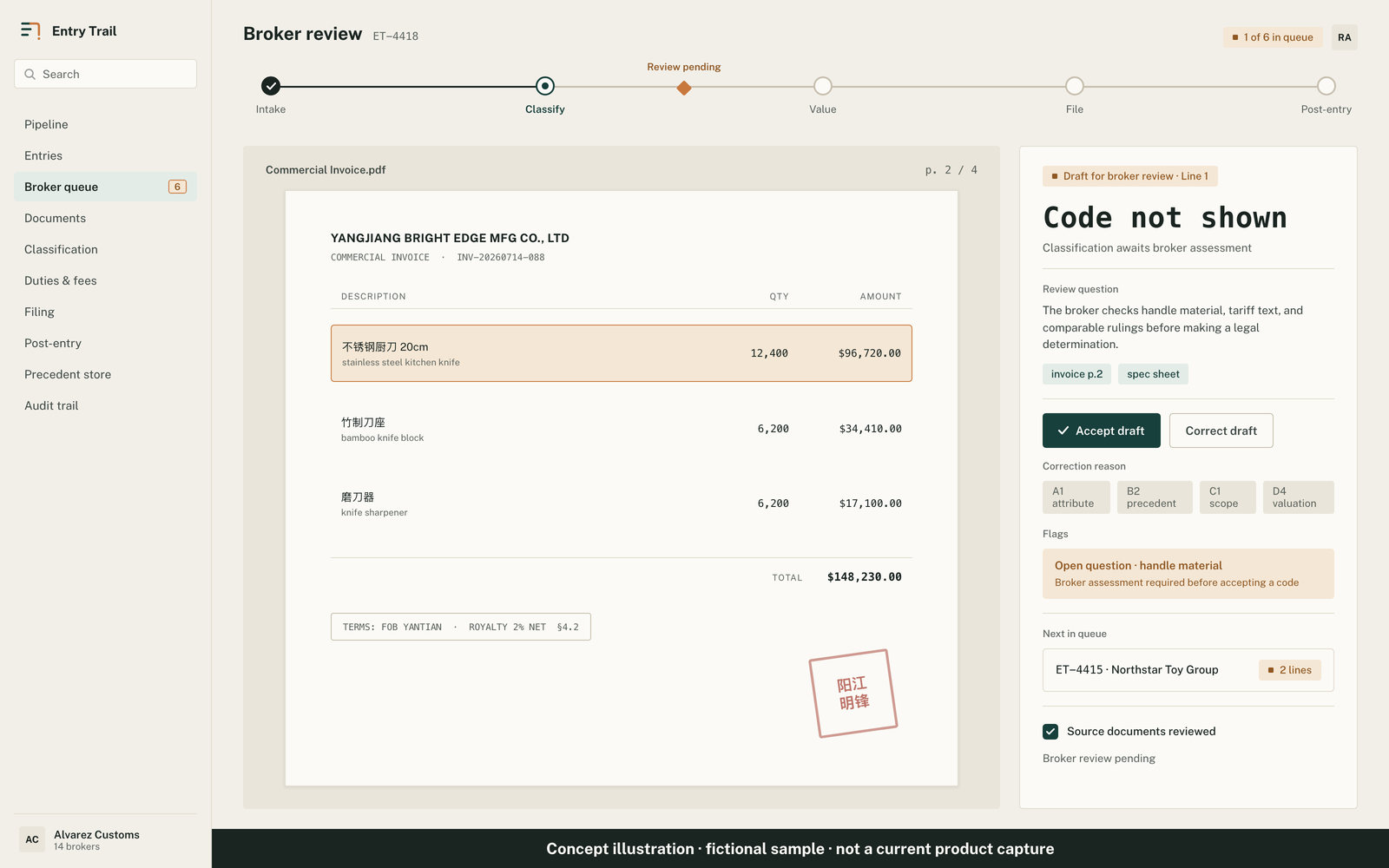
1 · Review and select an article
Upload a supported English invoice PDF. The broker checks extracted descriptions for errors or omissions, selects an article, and confirms its wording.
Intake source links open the uploaded PDF during that session. Persistent source viewing and highlighting remain in development.
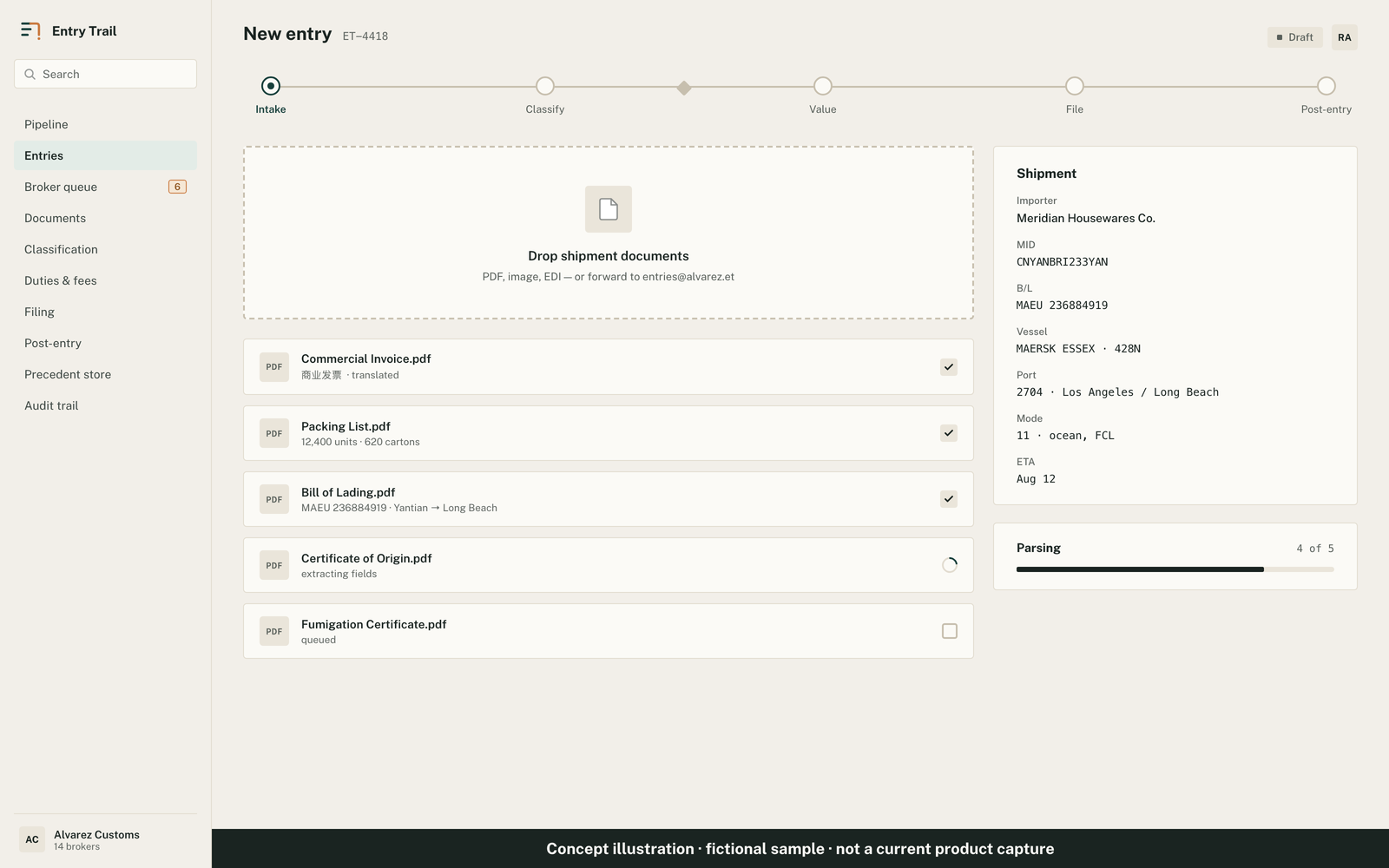
2 · Inspect HTS candidates and cited rulings
Inspect ranked HTS candidates, GRI reasoning, cited CROSS rulings, and validation results. Unresolved citations are removed; recorded revocation and modification flags remain visible.
Citation checks confirm a record exists in the retained data. The broker assesses its relevance and the classification argument.
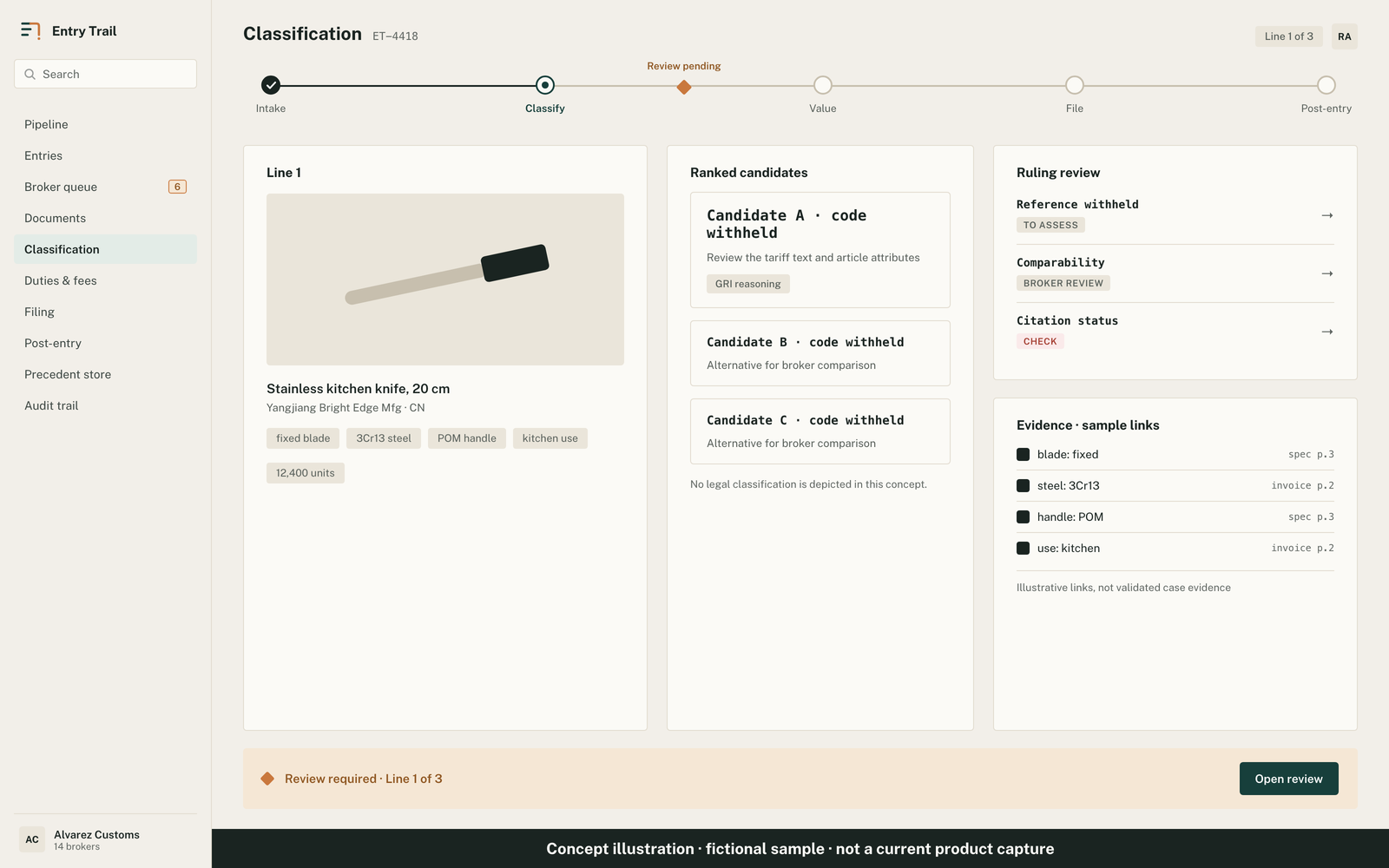
3 · Record the broker's acceptance or override
Record an accept or override with the entered license ID and timestamp. Overrides include the corrected HTS code, error type, and root cause.
Reviewer authentication and license verification remain in development. The entered ID does not verify licensing; licensed brokers make legal determinations.
4 · Reopen saved drafts and review actions
The broker can reopen recorded candidates, validation results, and any saved memo or review action. Missing or unreadable records require attention.
What remains in development
Valuation, duties and fees, filing, post-entry monitoring, and searchable firm precedents remain in development.
The prototype is not ready for production. Extraction errors, source-viewing gaps, and broker-reviewed document validation remain open.